Adobe Illustrator for Artists: Logos from Simple Shapes
Learn Illustrator's core tools by building real app logos from basic shapes and the Shape Builder.
16 lessons · 3.5 hours · 1 sections · every lesson free
What you'll learn
- Set up artboards and move around the canvas with confidence
- Know when to use the Selection tool and when to use Direct Selection
- Fix the beginner traps: missing artboards, unclickable canvases, pixelated vectors
- Build a logo from basic shapes, then scale and group it cleanly
- Use the Shape Builder to merge and cut shapes into a finished mark
Curriculum
1 sections · 16 lessons · lessons marked free play with a free account.
01 Logos from Simple Shapes
16 lessons
- 1 Welcome to Illustrator Free 20:20
- 2 Read the brief: guidelines and requirements Free 18:20
- 3 Fix it: the artboard is missing Free 1:22
- 4 Move and pan around the canvas Free 2:03
- 5 Fix it: you can't click anything Free 2:02
- 6 Selection vs Direct Selection Free 6:11
- 7 Fix it: the vector looks pixelated Free 4:35
- 8 Logo 1: blocking in shapes Free 16:47
- 9 Logo 1: scaling Free 6:44
- 10 Logo 1: building with shapes Free 14:11
- 11 Logo 1: finishing and grouping Free 6:11
- 12 Logo 2: a music-app logo with the Shape Builder, part 1 Free 4:36
- 13 Logo 2: a music-app logo with the Shape Builder, part 2 Free 15:45
- 14 Logo 2: a music-app logo with the Shape Builder, part 3 Free 24:41
- 15 Logo 3: a thumbnail-maker app logo, part 1 Free 30:30
- 16 Logo 3: a thumbnail-maker app logo, part 2 Free 36:44
About this course
A short, practical start in Adobe Illustrator for artists who usually work in pixels. You set up artboards, fix the common beginner traps (a missing artboard, a canvas you can't click, a vector that looks pixelated), then build three app logos from circles, rectangles and the Shape Builder.
Requirements
- Adobe Illustrator (desktop or iPad)
- No design experience needed
Who it's for
- Illustrators and painters who want clean vector logos and icons
- Indie developers designing their own app icon
Your teacher
Lipai Wang
I draw, paint, model in Blender, make pixel art for my own games and shoot photos, and I record these lessons while I work. Everything you see is the real process, mistakes included.
About me →See art
Look closely at the masters while you learn
148 famous paintings, narrated detail by detail. These three are free:
-
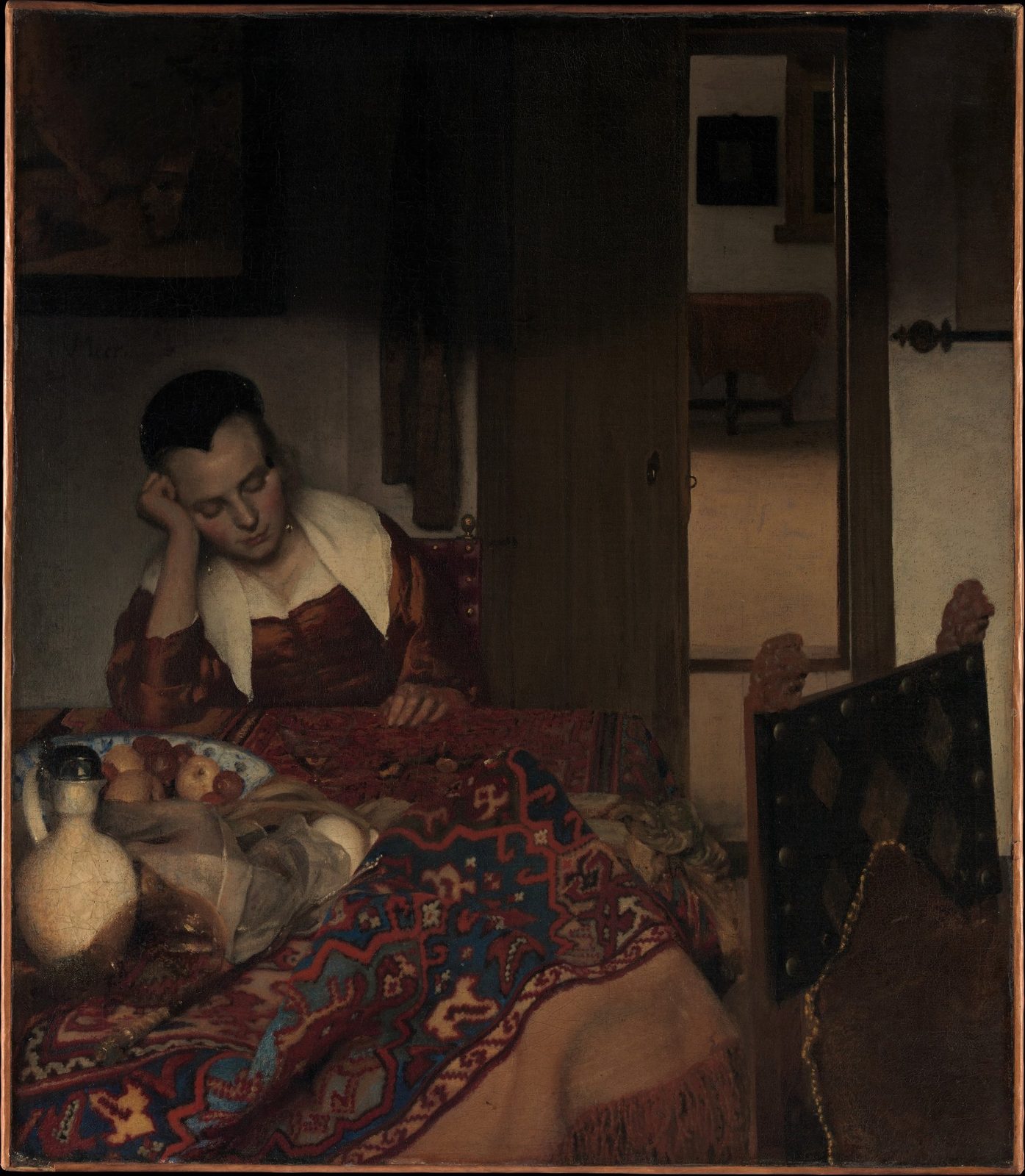 A Maid Asleep · Johannes Vermeer
-
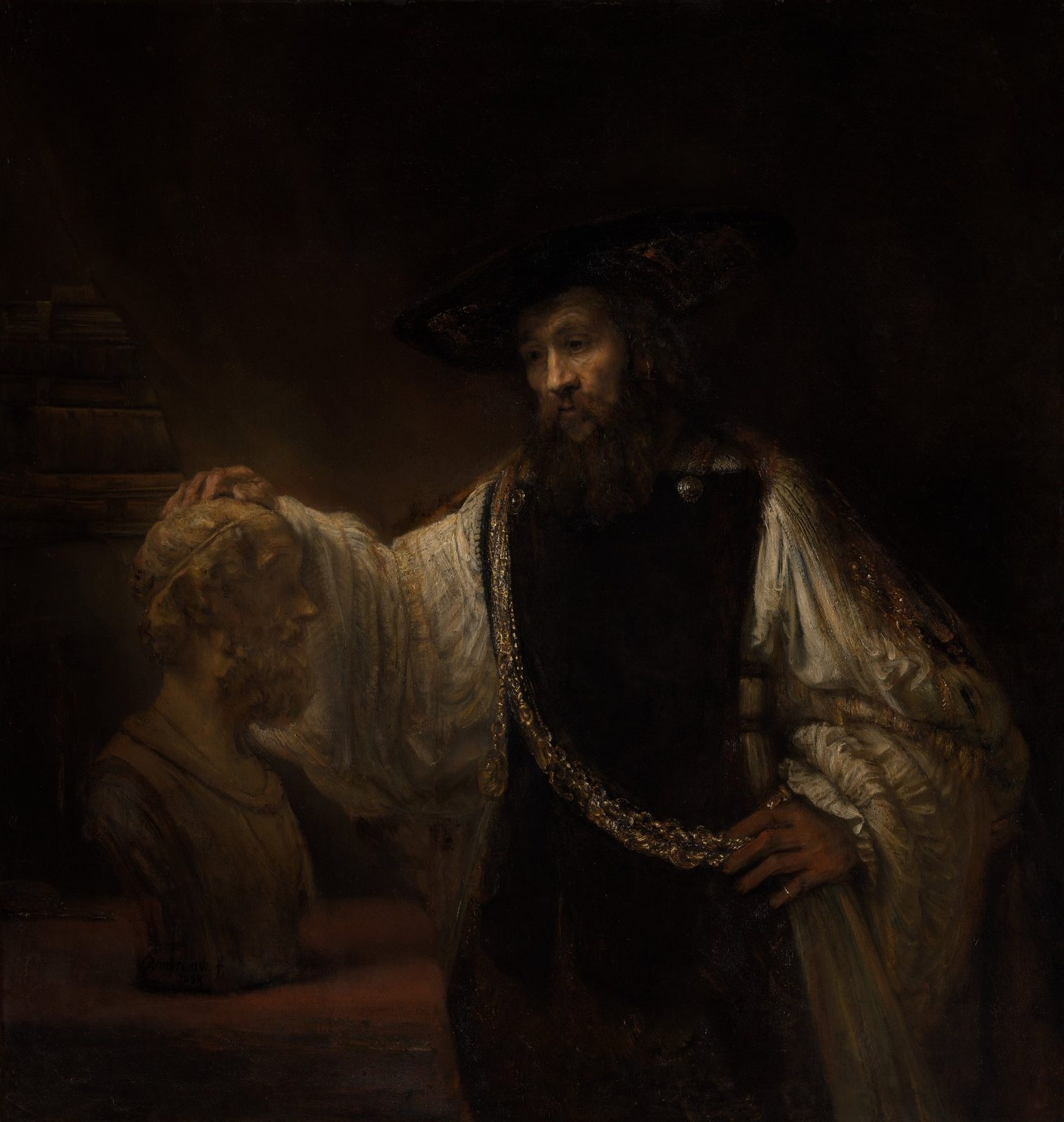 Aristotle with a Bust of Homer · Rembrandt
-
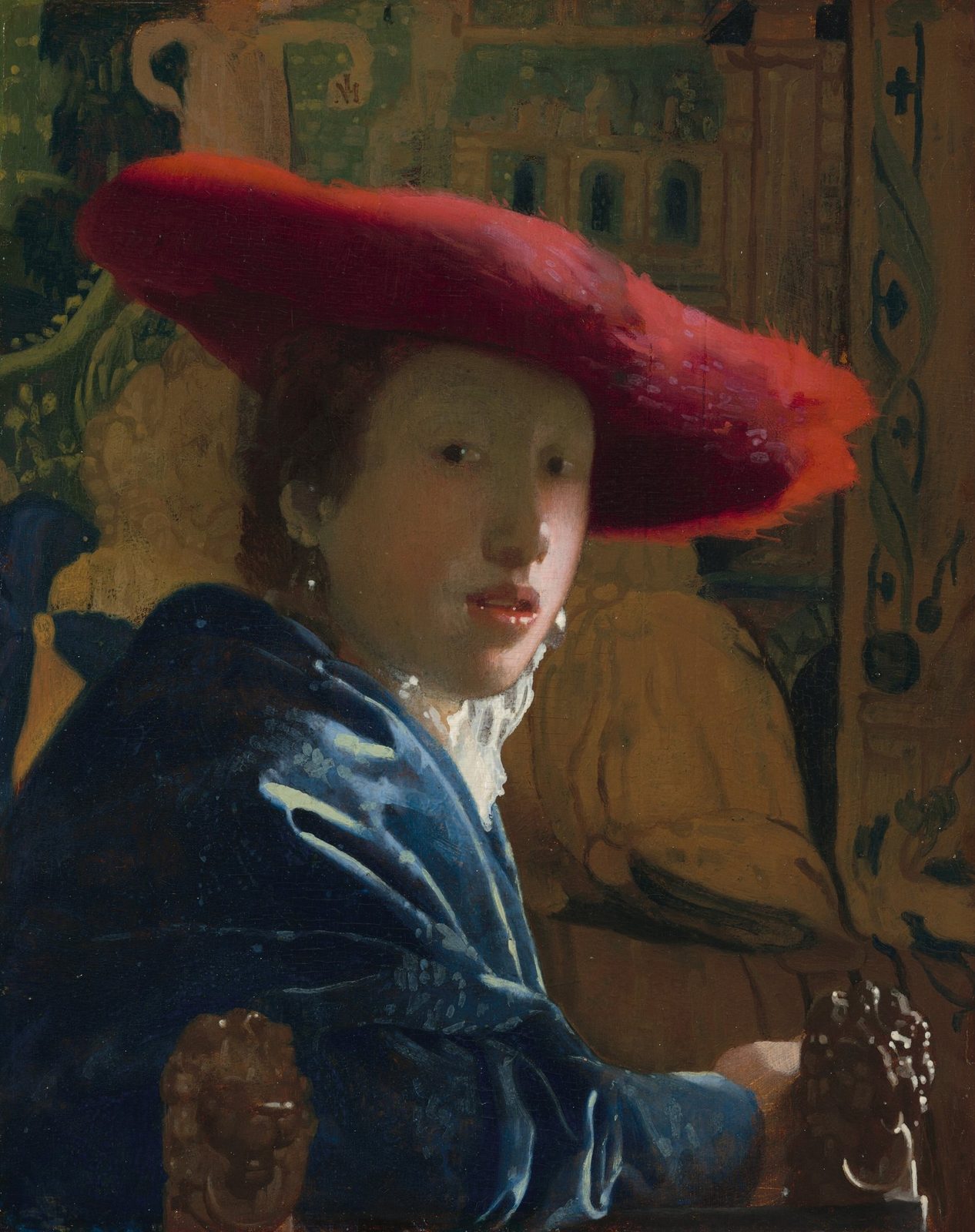 Girl with the Red Hat · Johannes Vermeer