Photography as Digital Art: Exposure, Light and Colour
How a digital artist thinks about the camera: aperture, shutter speed, ISO, white balance and file formats.
11 lessons · 1.5 hours · 1 sections · every lesson free
What you'll learn
- See how photography and digital painting share the same light logic
- Control depth of field with aperture
- Choose shutter speed and ISO on purpose
- Balance the exposure triangle in a reliable order
- Read the Kelvin scale and set white balance
- Pick RAW, JPEG or HEIC for the job
Curriculum
1 sections · 11 lessons · lessons marked free play with a free account.
01 Exposure, Light and Colour
11 lessons
- 1 Welcome to the series Free 4:43
- 2 How digital art and photography connect Free 7:33
- 3 The camera as a light-capturing tool Free 8:47
- 4 Aperture Free 8:37
- 5 Aperture and depth of field Free 6:28
- 6 Shutter speed Free 7:33
- 7 ISO Free 6:49
- 8 The exposure triangle Free 13:40
- 9 Balancing the triangle: what to set first Free 9:25
- 10 Kelvin temperature and white balance Free 6:03
- 11 RAW, JPEG or HEIC? Free 7:37
About this course
Photography and digital painting run on the same rules of light. This mini-course walks through the exposure triangle from an artist's point of view: what aperture does to depth of field, when shutter speed and ISO matter, the order to set them in, and how colour temperature and file format shape the final image.
Requirements
- Any camera or a phone with manual controls
Who it's for
- Digital artists who shoot their own reference photos
- Beginners who want to leave auto mode
Your teacher
Lipai Wang
I draw, paint, model in Blender, make pixel art for my own games and shoot photos, and I record these lessons while I work. Everything you see is the real process, mistakes included.
About me →See art
Look closely at the masters while you learn
148 famous paintings, narrated detail by detail. These three are free:
-
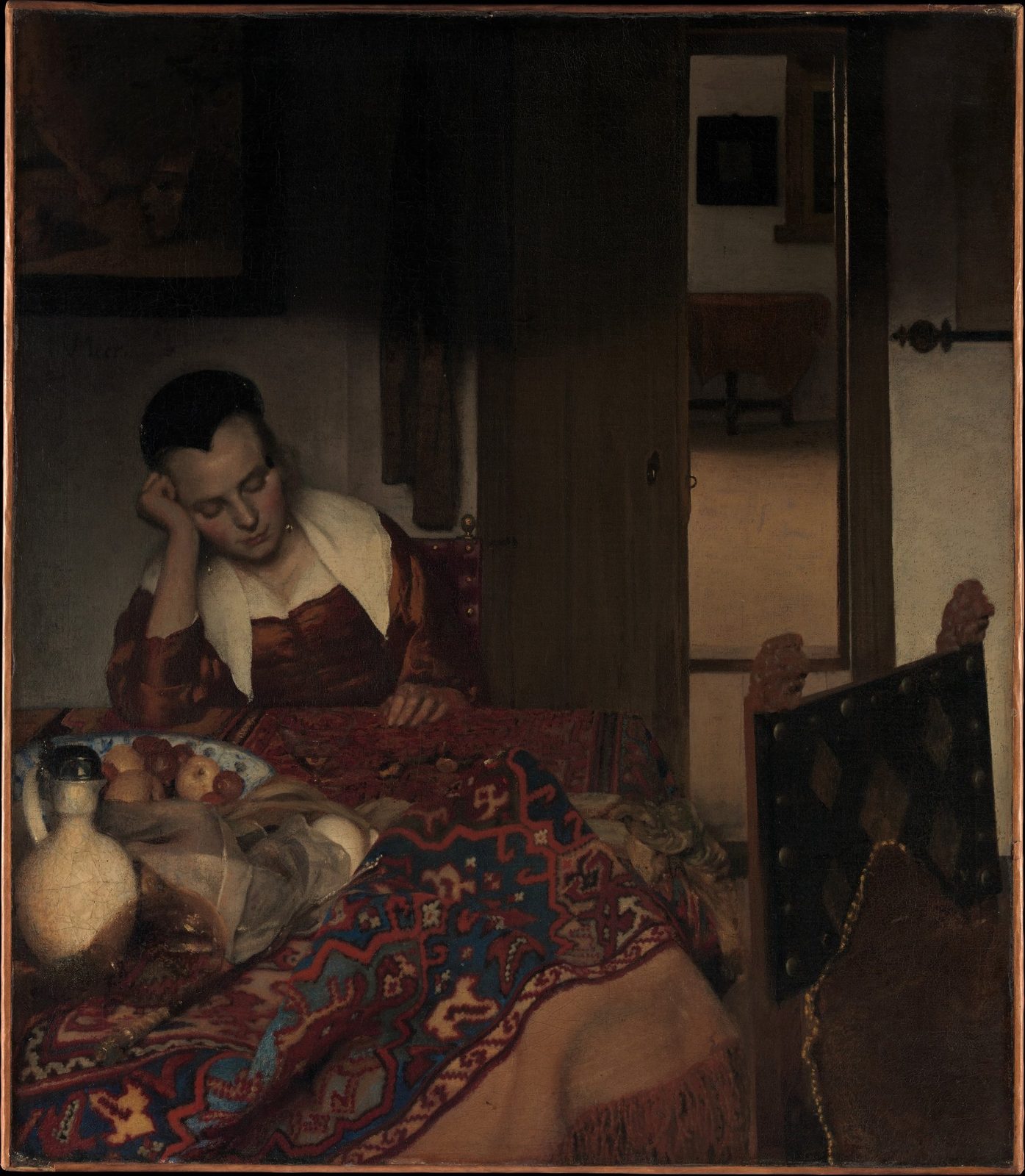 A Maid Asleep · Johannes Vermeer
-
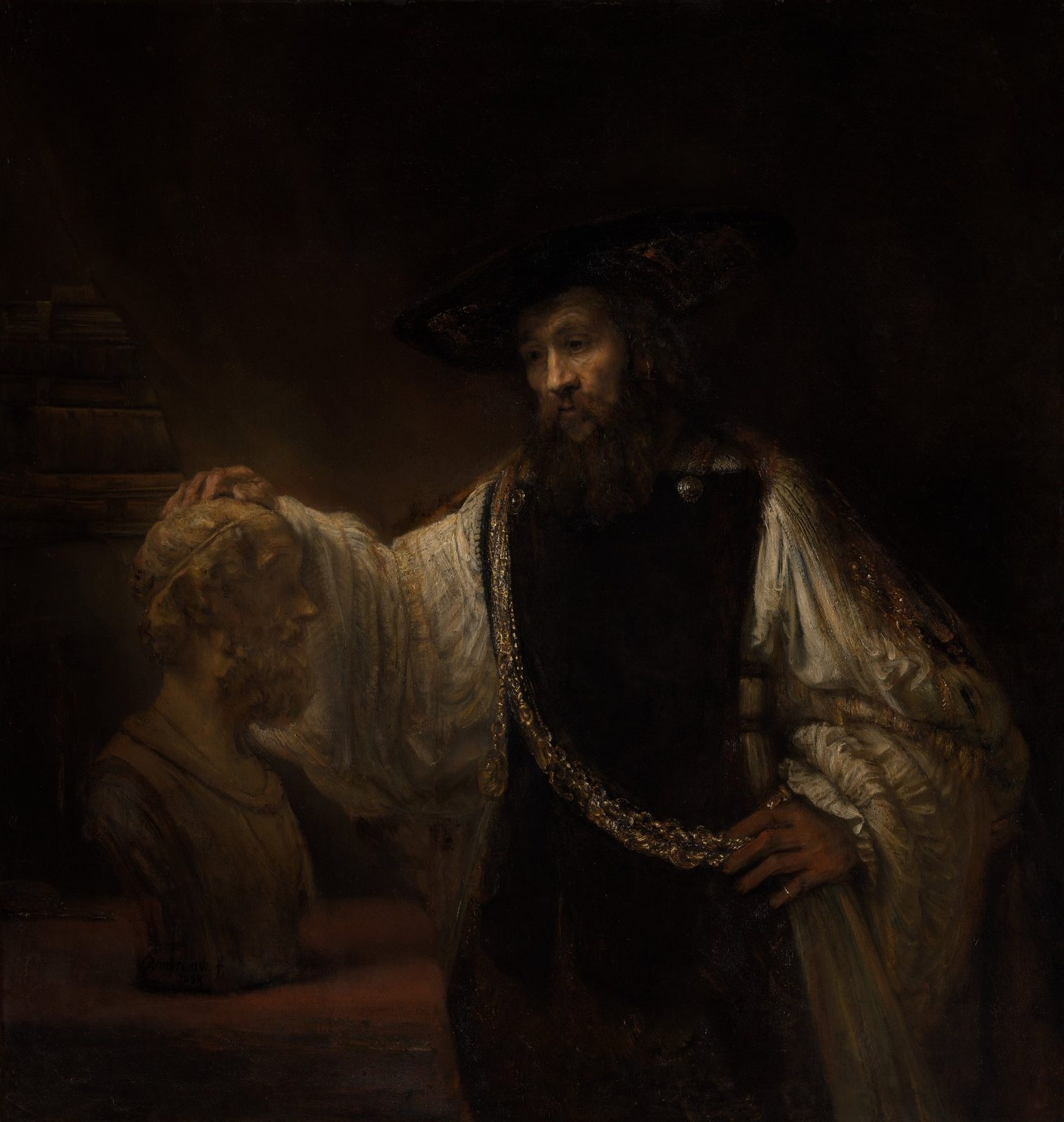 Aristotle with a Bust of Homer · Rembrandt
-
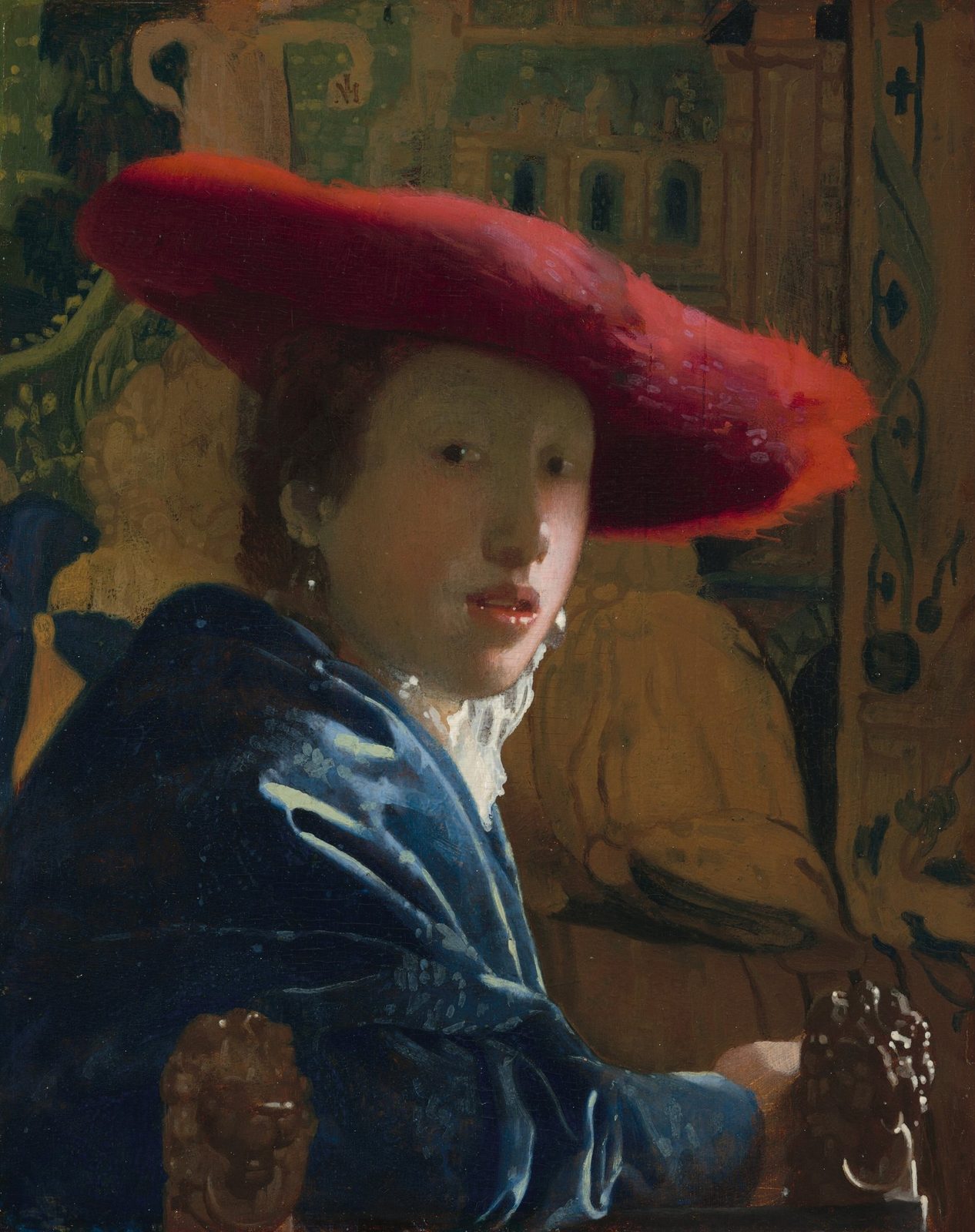 Girl with the Red Hat · Johannes Vermeer